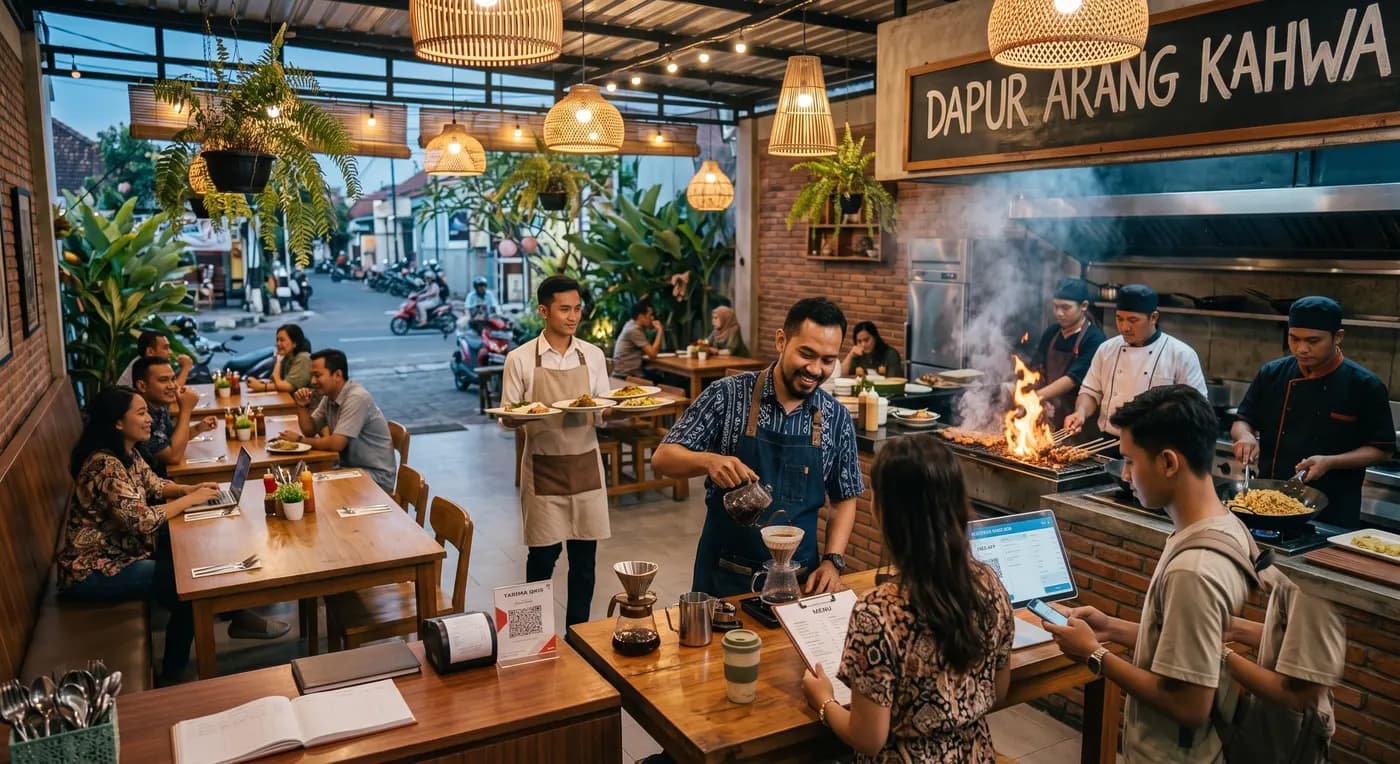
Common problems
- Waiters mix up which order belongs to which table, or forget to write one down
- The kitchen has no idea which order to prepare first
- Splitting and merging bills is a hassle to work out by hand with a calculator
- Owners cannot keep an eye on restaurant revenue while they are out
What you get
Table management
See each table at a glance, whether it is empty, occupied, or ready to pay.
Kitchen Display System
Orders land on the kitchen screen automatically, queued in order, with no paper tickets.
Self-service waiter app
Waiters take orders on their own phone and send them straight to the kitchen.
Split and merge bills
Split or combine bills across tables in just a few taps.
Monitor from your phone anywhere
Owners can check revenue and outlet activity without being on site.
How it works
- 1
Set up your floor plan and restaurant menu in KasirYuk
- 2
Waiters take orders on their phone, sent automatically to the kitchen
- 3
The cashier prints the bill and splits or merges it as the customer needs
Frequently asked questions
Is there a dedicated screen for the kitchen?
Yes, the Kitchen Display System shows the order queue right on the kitchen screen.
Can I split a bill per person at one table?
Yes, KasirYuk supports both splitting bills and merging several tables together.
Do waiters need special hardware?
A regular Android phone is enough to take orders and send them to the kitchen.
Does it work for restaurants with multiple branches?
Yes, KasirYuk supports multi-outlet setups with per-branch and combined reports.