Retail Store POS App with Barcode and Stock Control
A retail store with hundreds of items needs a system that scans fast and never miscounts stock. KasirYuk uses a barcode scanner for lightning-quick checkout, keeps every product variant neatly recorded, and keeps stock in sync across branches so you never have to guess what is left in the warehouse.
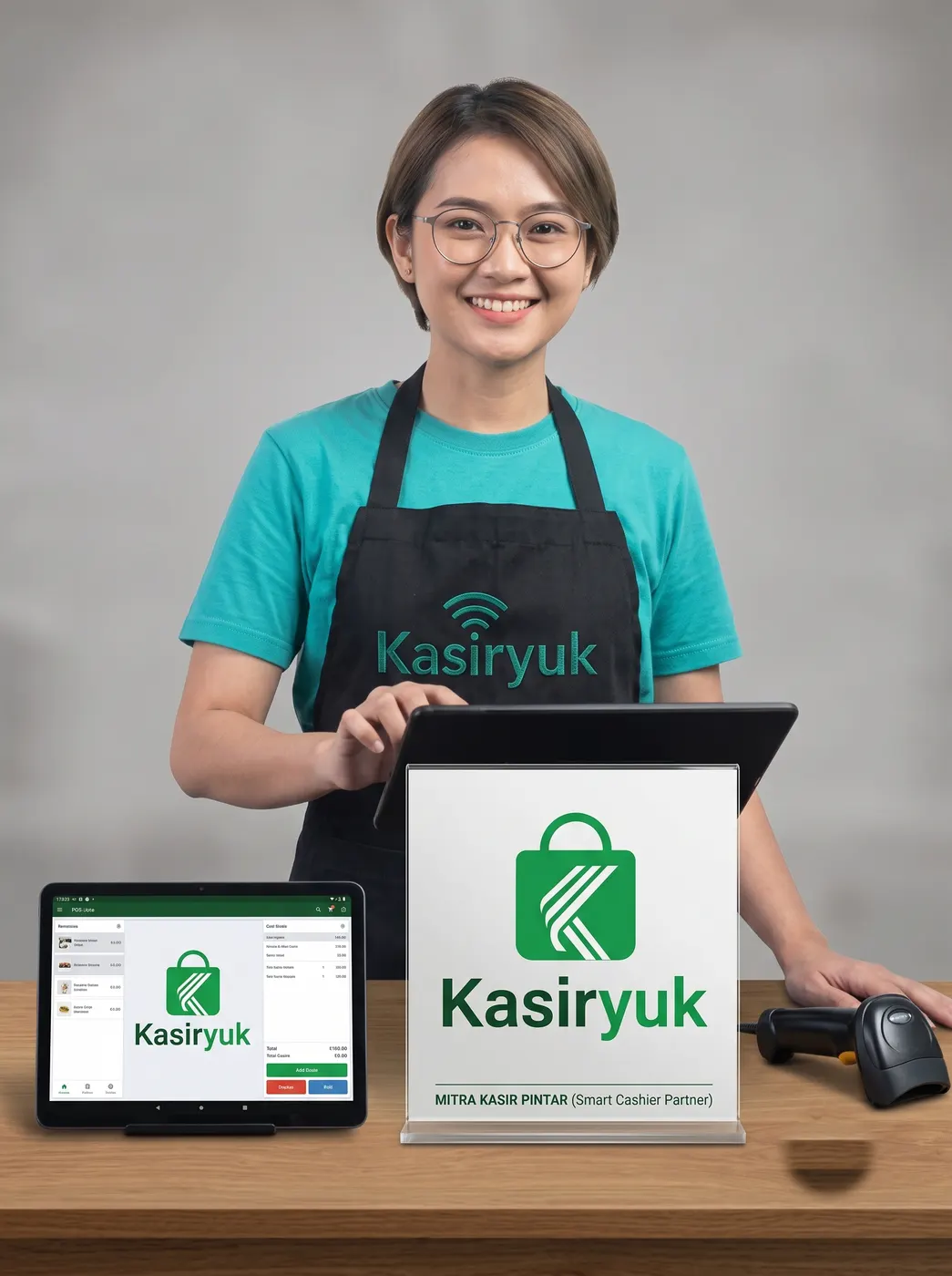
Common problems
- Physical stock does not match your records because of manual entry
- Variant products like sizes and colors are hard to manage one by one
- Inter-branch transfers are not recorded cleanly, so items often go untracked
- It takes ages to work out the profit or loss for each product category
What you get
Barcode scanning and label printing
Fast checkout with a scanner, plus print your own product barcode labels.
Variants and multi-SKU
Keep one product with many sizes, colors, or types neatly organized.
Multi-outlet and stock transfer
Manage multiple branches and move stock between outlets with a full record.
Purchasing and COGS
Record supplier purchases and calculate cost of goods sold automatically.
How it works
- 1
Enter products with their variants and print barcode labels
- 2
Connect a barcode scanner for faster checkout at the counter
- 3
Track stock at each outlet and transfer items whenever needed