Sign up & choose your business type
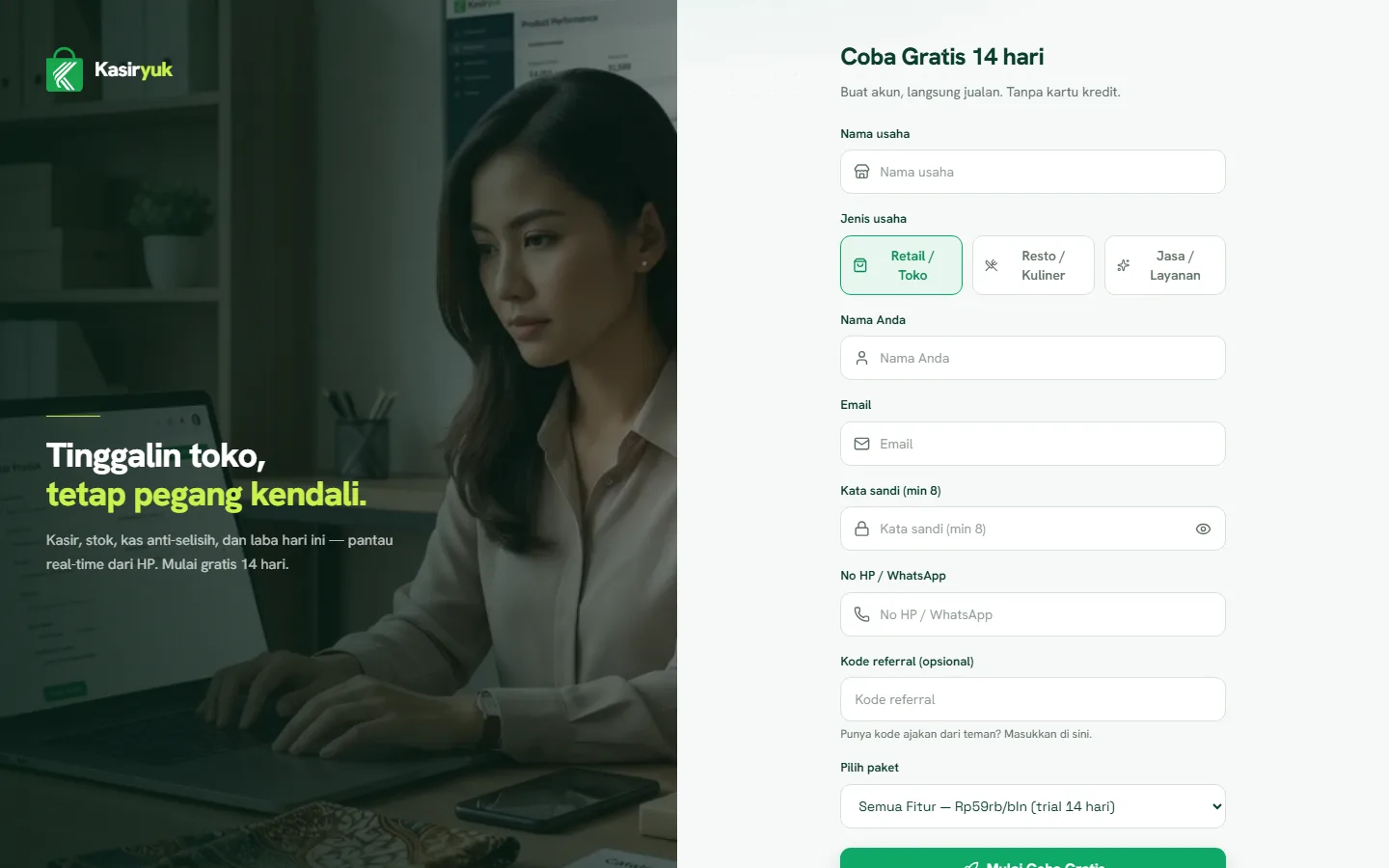
Opening the sign-up page
Open the Sign up page from the button on the home page, or go straight to /daftar. If you arrived through a referral link (containing ?ref=), the referral code is filled in automatically — no need to retype it.
Filling in your business details & picking a type
- Enter your business name, owner name, email, and phone number.
- Choose a business type:
- Retail — a shop that sells goods directly.
- Restaurant — a restaurant, café, or eatery with tables and kitchen orders.
- Service — a service business such as laundry, salon, or workshop.
- Choose a subscription plan. You can start on the free plan and upgrade anytime.
- Create a password, then press Sign up.
Signing in for the first time
Once you've signed up, you're logged in as the Owner and taken to the setup wizard (/owner/setup) to complete your business details. Continue to the next guide to finish the wizard.