Completing the setup wizard
After signing up, the owner is taken to the setup wizard (/owner/setup) to prepare the business before selling.
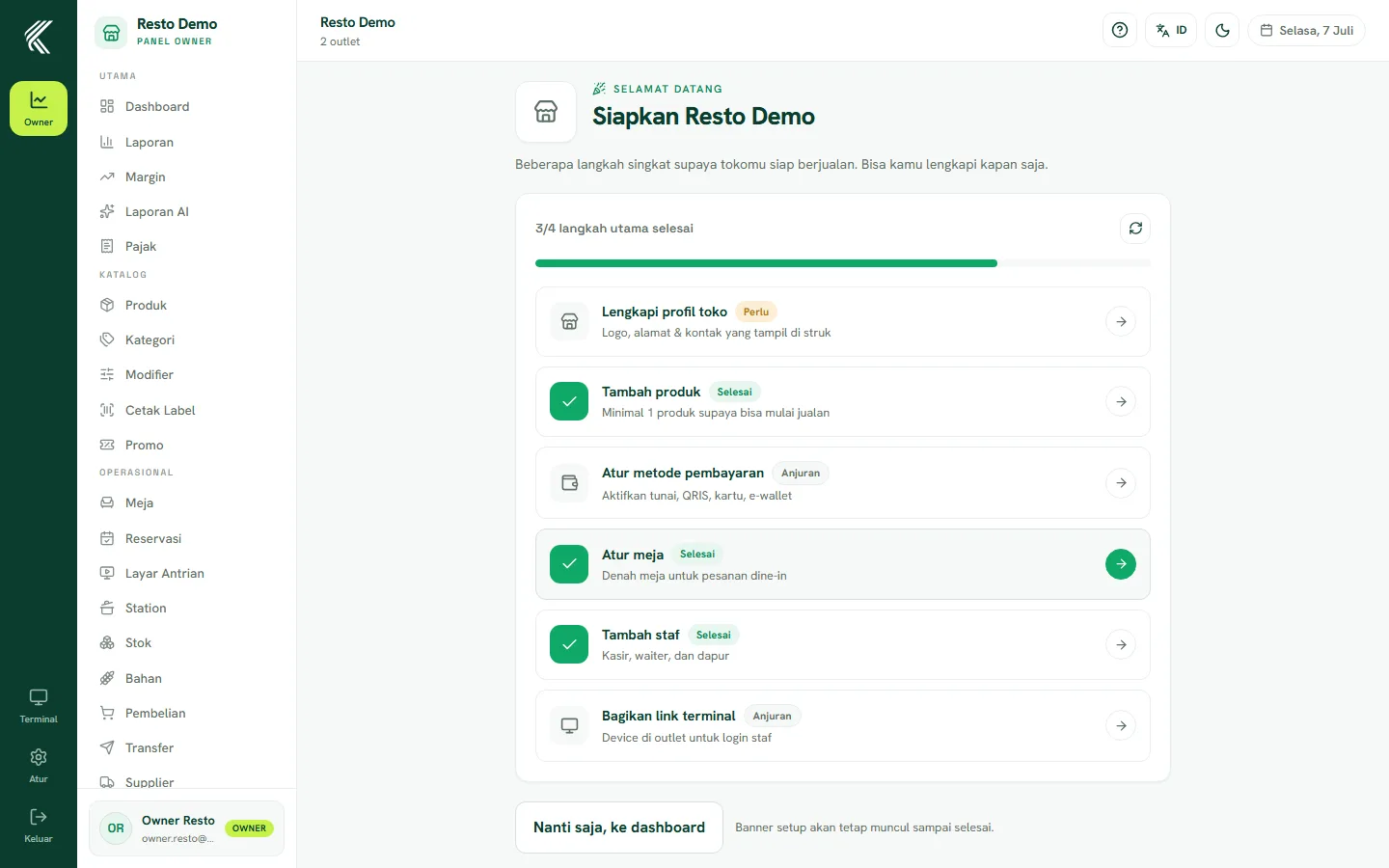
Business details & tax
Fill in your business details such as your first outlet name and address. For restaurants, set the PB1/PBJT tax according to your region; for retail, set VAT (PPN) if your business charges it. You can also configure a separate service charge if your business uses one.
Adding your first products
The wizard offers to add a few first products right here, so that as soon as you finish you already have something to sell. You can always add or edit products later from the Products page (/owner/produk).
Finish / Skip
Every wizard step can be skipped if you don't want to fill it in yet — you can come back and complete it later from Settings or the related page in the Owner sidebar. Once the wizard is finished or skipped, you land on the Owner dashboard.