Kitchen Guide (KDS)
As the kitchen team, you work from the KDS (Kitchen Display System) screen, which shows orders sent by waiters or directly by customers, arranged per station.
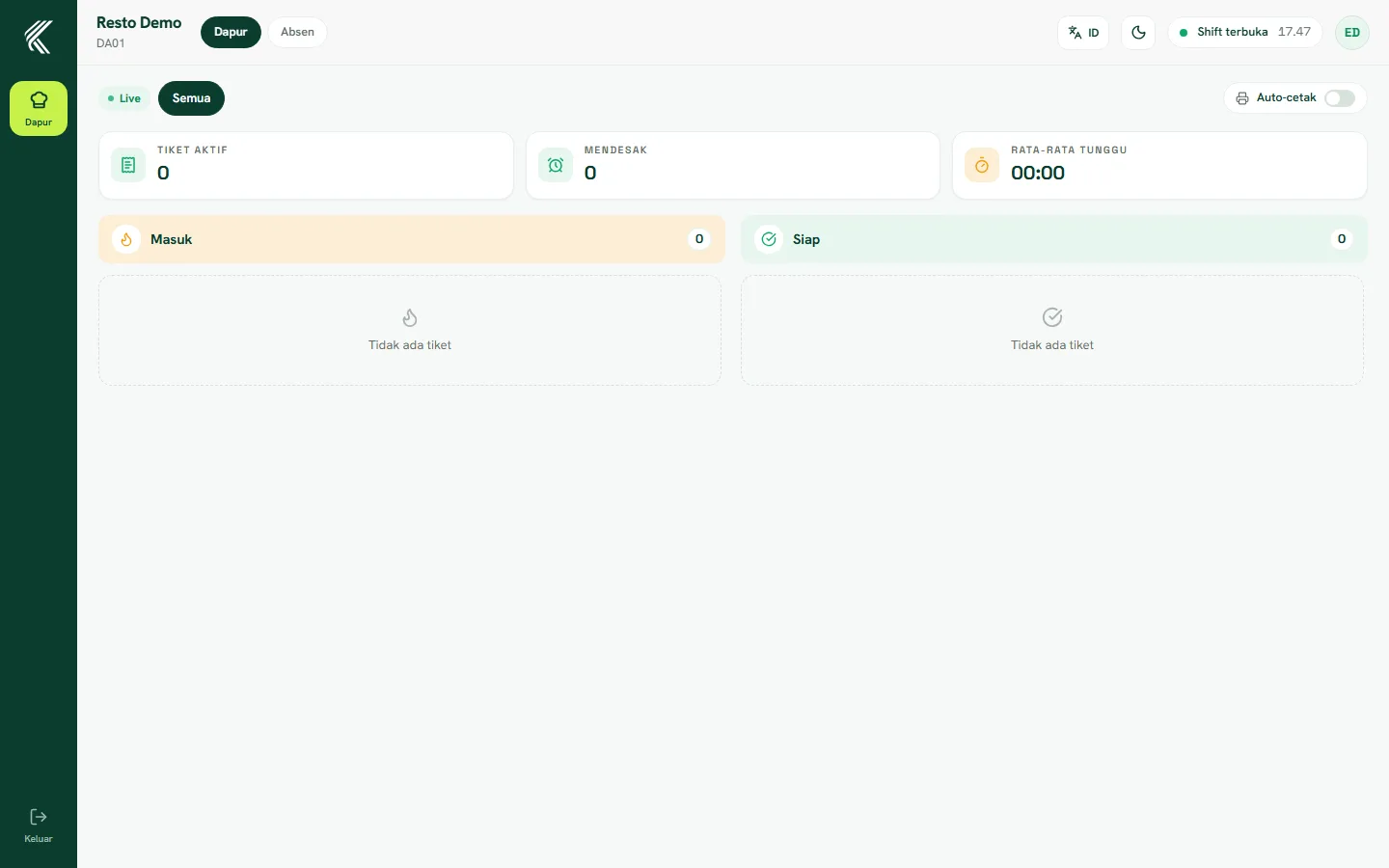
Viewing incoming orders
Every item sent to the kitchen appears on the KDS screen at the matching station (for example the Drinks station or the Mains station), complete with the table or queue number and any special notes from the customer.
Processing orders
Mark items that are being worked on, then mark them ready once cooking is done. The waiter or cashier gets a notification the moment the status changes, so the order can be delivered right away.
Cancelling items
If an item needs to be cancelled (for example an ingredient ran out), mark it as cancelled and inform the waiter directly so the customer can be told promptly.
Tips for working in the kitchen
Prioritize items by the time they came in (first sent, first cooked) and keep the KDS screen clearly visible to the whole team during busy hours.