Setting up a service business
If your business type is Service (laundry, salon, workshop, and the like), KasirYuk has a dedicated mode to manage orders by service stages, rather than a one-off transaction.
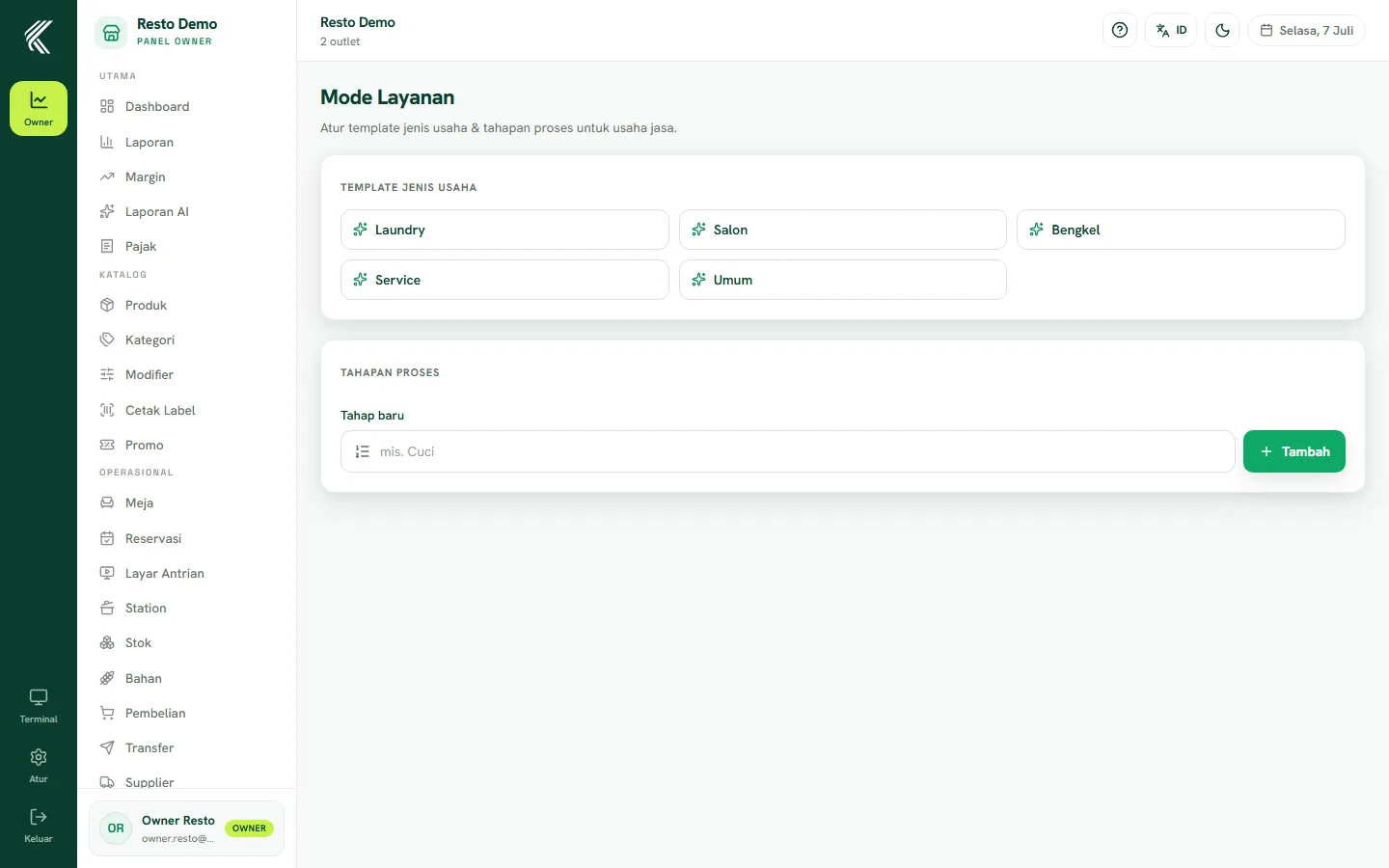
Enabling service mode
Service mode is enabled automatically when you choose the Service business type at sign-up. You can set up and adjust its configuration from the Services page (/owner/layanan).
Configuring services & stages
On the Services page, set up:
- The list of service types you offer (for example "Wash by Weight", "Haircut", "Light Service").
- The process stages for each service (for example Received → In Progress → Done → Picked Up), matching your workflow.
- Prices and time estimates per service if needed.
Taking your first order
Use the Take order page (/owner/layanan/terima) to record incoming customer orders: pick a service, record details (such as laundry weight or type of service), and set up payment — it can be paid in full upfront or with a deposit (DP) and settlement later. The order then moves through the configured stages until it's completed and handed back to the customer.