Your first sale at the cashier
Once you have products and stock set up, you're ready to sell.
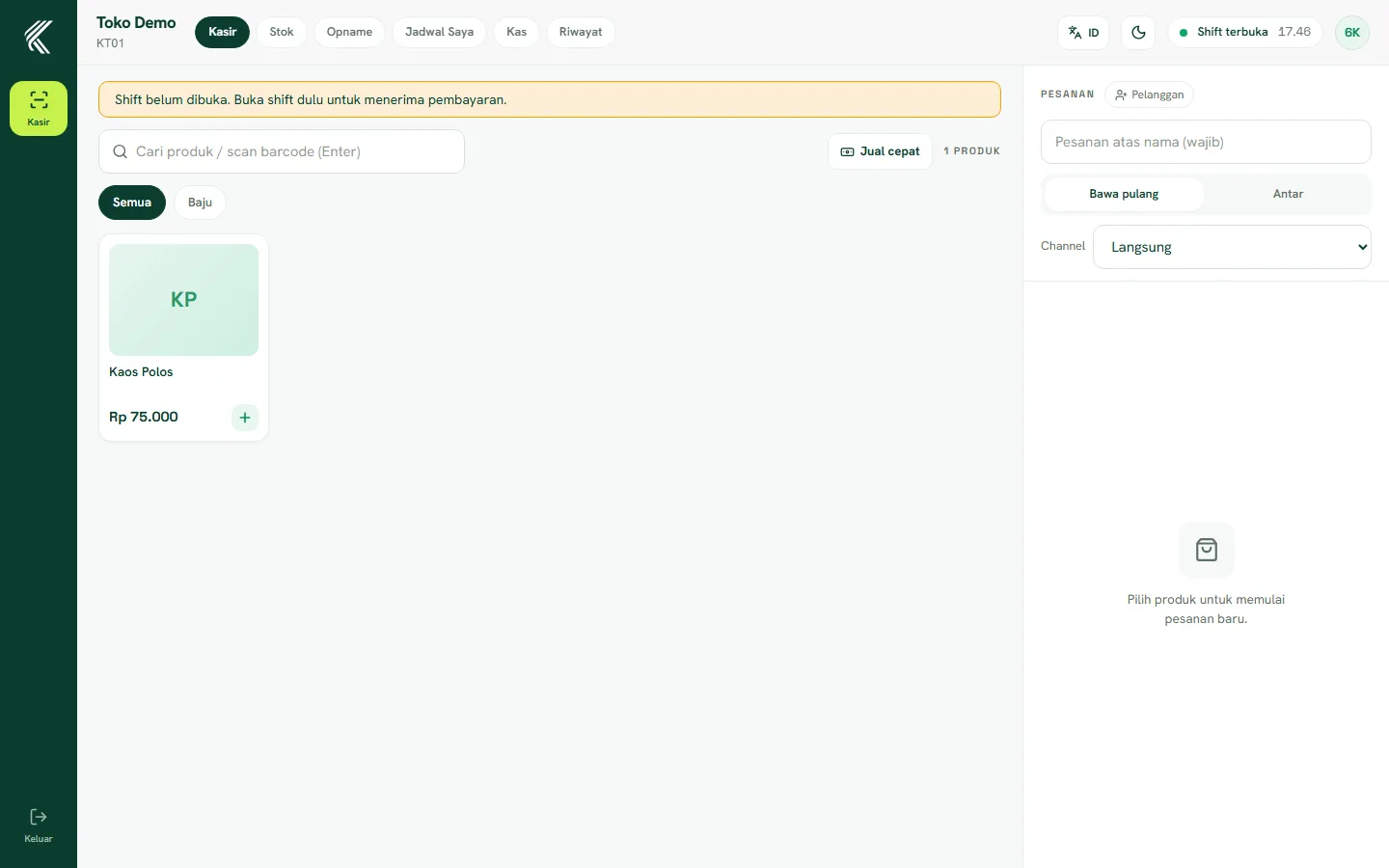
Open a cashier shift
Before selling, the cashier must open a shift (the Cash menu). Enter the starting drawer float, then save. Without an open shift, the Pay button stays locked.
Adding items
- Open the Cashier page.
- Tap a product to add it to the cart.
- Adjust the quantity with the plus/minus buttons.
- For weighed items, enter the weight when adding it.
Accepting payment
- Tap Pay.
- Choose the Cash method.
- Enter the amount received — change is calculated automatically.
- Confirm. The receipt can be printed or skipped.
Product stock is automatically deducted once the sale is paid.